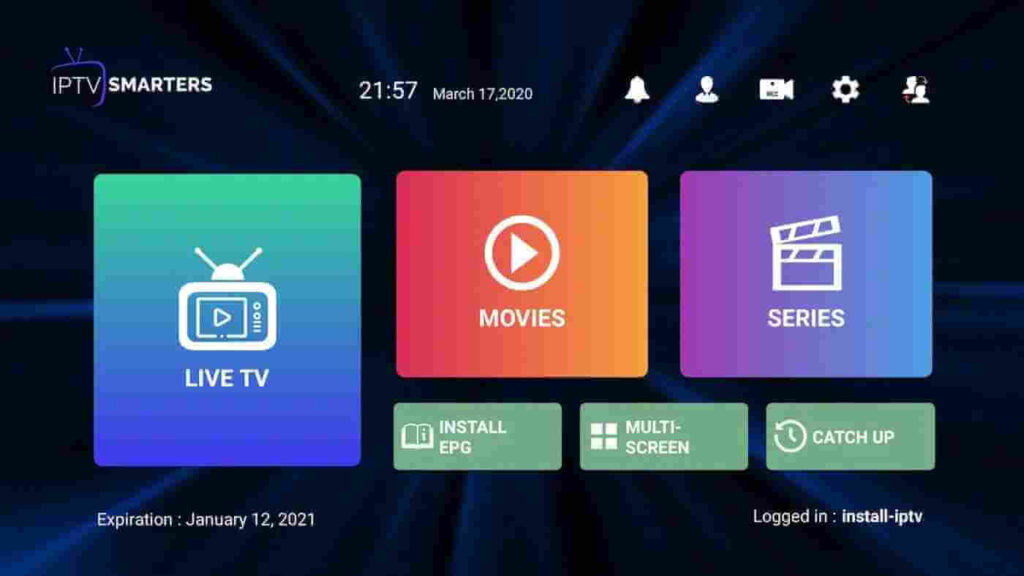
IPTV Smarters PRO Application
Step 1: Open Google Play Store
Step 2: Search for “IPTV Smarters PRO” or Smarters player lite and install it.
IPTV Smarters PRO Application
Step 1: Open Google Play Store
Step 2: Search for “IPTV Smarters PRO” or Smarters player lite and install it.
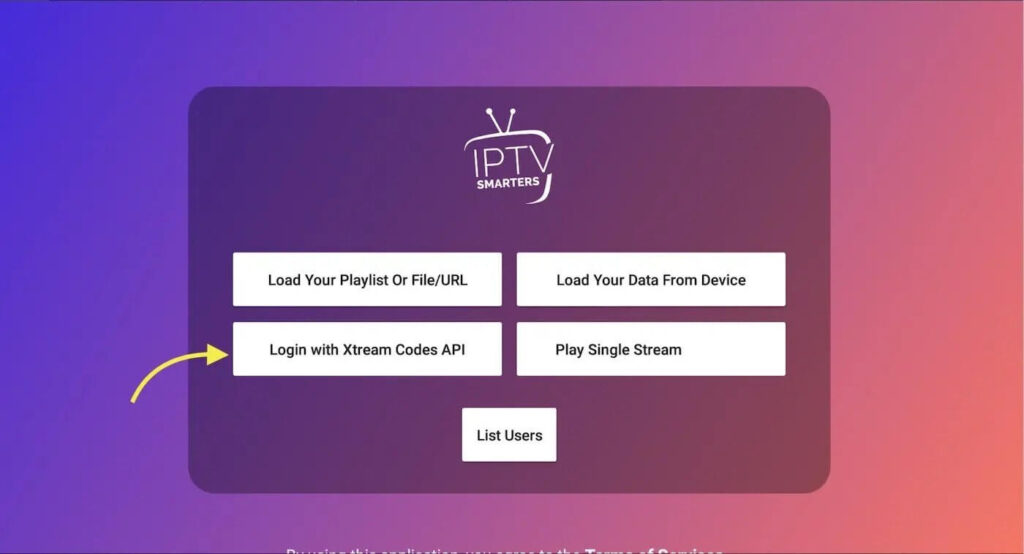
Step 3: Open IPTV Smarters PRO and click Login with Xtream Codes API
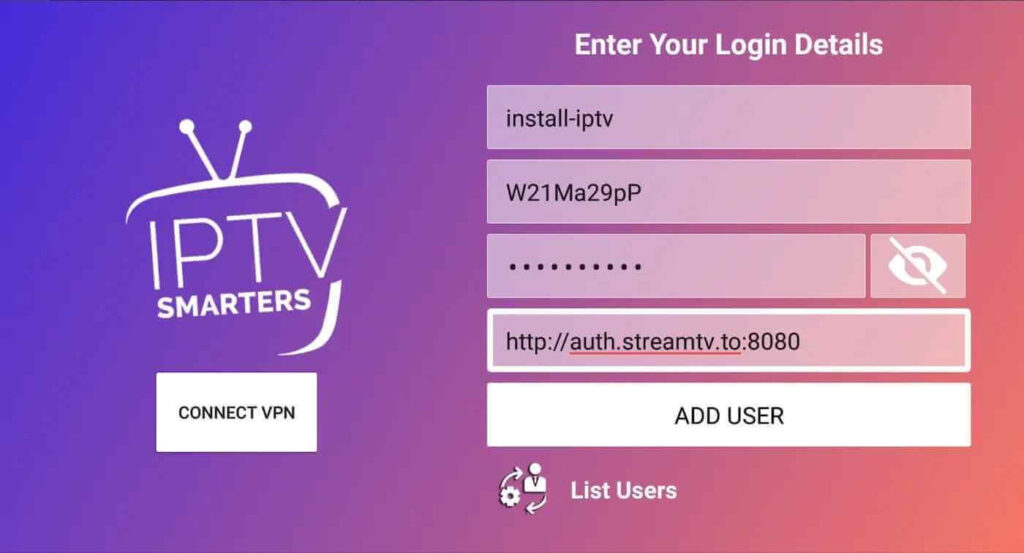
Step 5: It will start downloading channels and VOD about 10 seconds then you will be logged in and you will see this page